
001 / RichTee
Building a digital storefront for a growing Ghanaian fashion brand.
Fashion / E-Commerce
Project overview
- Client
- RichTee
- Industry
- Fashion / Clothing / Fabrics
- Project
- E-Commerce Platform
- Services
-
- E-Commerce Platforms
- Web Development
- Business Systems
- Built with
-
- Laravel 12
- PHP 8.2
- Tailwind CSS 4
- Vite 7
The challenge
RichTee needed more than a visual catalogue.
A fashion business that sells finished pieces, fabric by the yard and made-to-order outfits has three different ways for a customer to buy. Each has its own questions — what is available, what will it cost, how long will it take, what does it need from the customer.
The platform had to bring all of it together, with none treated as an afterthought:
Discovery
Requirements first.
The build started from how RichTee actually sells. Discovery covered:
- Clothing categories
- Fabric sales
- Ready-made products
- Sewn-to-order products
- Custom orders
- Measurements
- Ordering methods
- Payment methods
- Delivery
- Administration
- Future expansion
Those answers shaped the structure: separate journeys for products, fabrics and made-to-order pieces, a catalogue that can grow into new categories, and one administration area behind them.
The solution
One connected commerce platform.
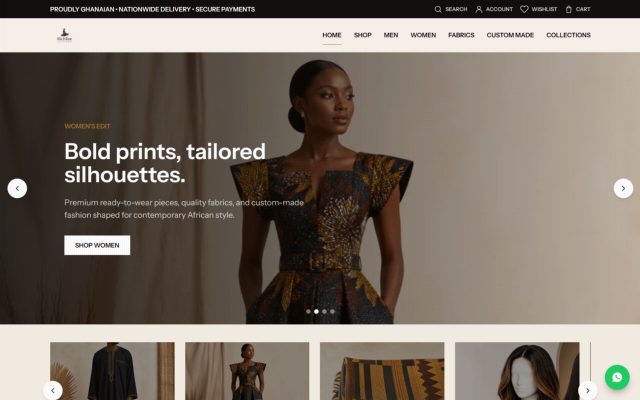
RichTee’s storefront brings the catalogue, fabric library, cart, checkout, order tracking and customer accounts into a single responsive application, with the administration tools behind it. It is built on Laravel 12 with Tailwind CSS 4 and Vite 7.
A customer can browse and filter, read product and fabric details, buy as a guest or with an account, build a made-to-order piece, pay online and follow the order afterwards.
Shopping experience
Browsing that stays clear.
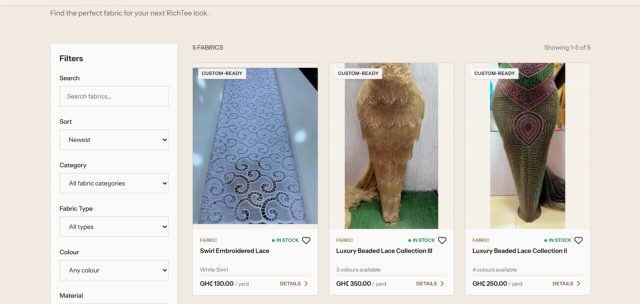
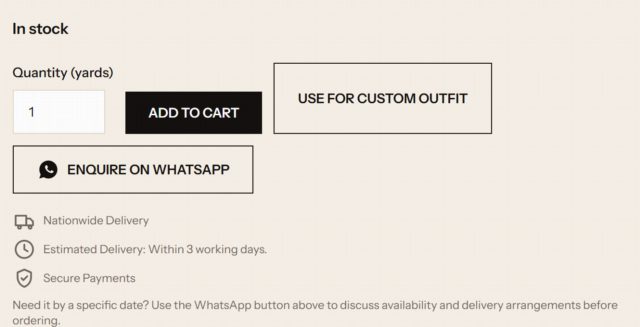
Product pages show what a customer needs before anything is added to the cart: the photograph, available sizes, stock status, price and an estimated delivery time. A WhatsApp enquiry sits beside the purchase button for questions that need a person.
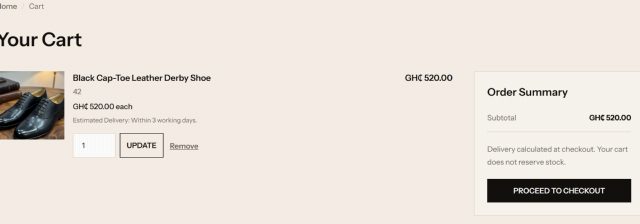
The cart says plainly that it does not reserve stock, and shows the delivery estimate for each item.
Fabrics
Fabric is its own shop.
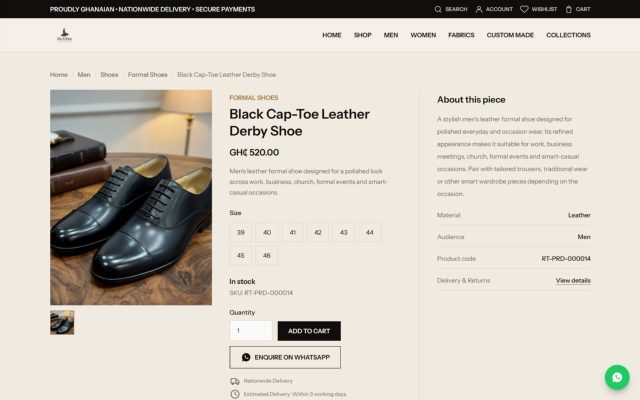
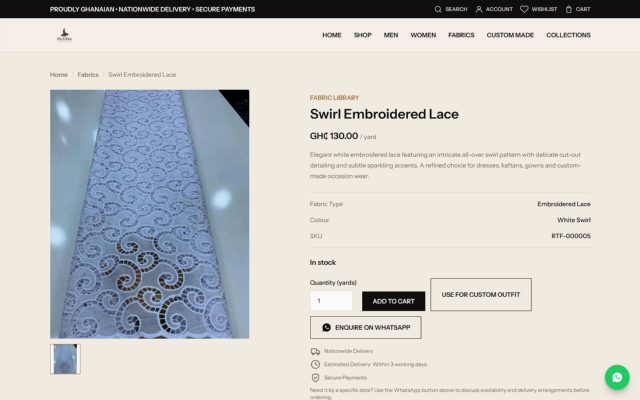
Fabrics are sold by the yard through their own library, with fabric types, colour options and per-yard pricing. Each fabric page can be added to the cart directly, or carried into a made-to-order outfit with one action.
Custom made
From a design to an outfit made to measure.
The Custom Made journey is a step-by-step flow, kept separate from the normal cart so that a made-to-order piece never gets mixed up with ready-made stock. The customer’s selections are checked and the price is calculated on the server at every step, and nothing becomes an order until the final review. Today, a customer reaches fabric selection and the style-selection screen shown below; customisation, measurements, review and ordering follow once RichTee publishes a design to choose.
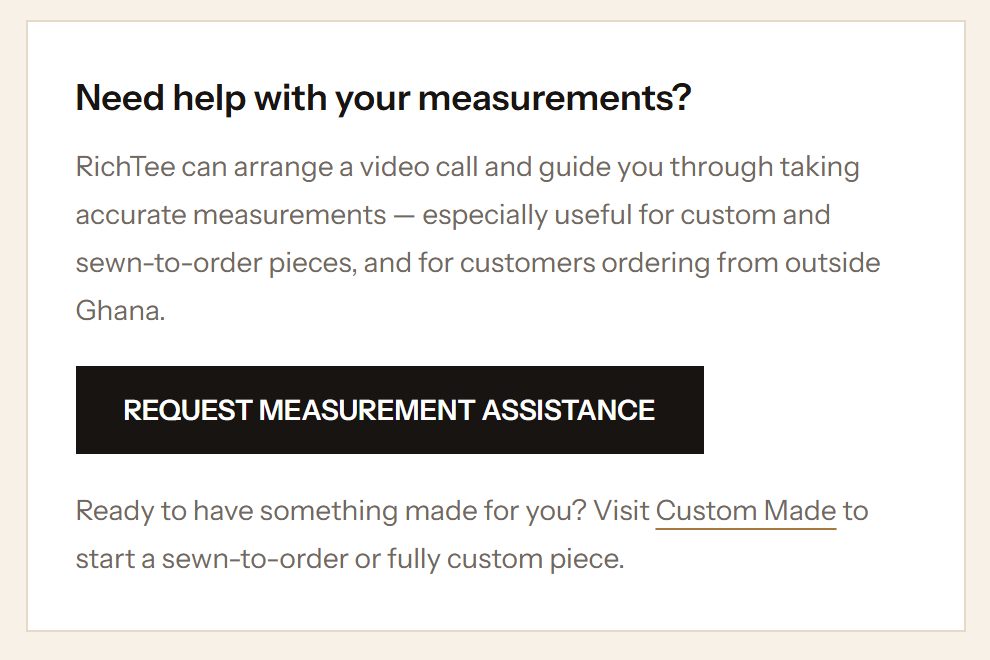
Measurements are entered in centimetres, or taken from a saved measurement profile, and are stored with the order as a snapshot — so editing a profile later never changes an order that has already been placed. Where a customer needs help, RichTee offers measurement assistance, including remotely.
- Choose a design
- Choose a RichTee fabric — or, where the design allows it, bring your own
- Select the customisation options
- Provide measurements
- Review, then order
- Ready-to-wear
- Finished pieces, bought through the normal cart.
- Sewn to order
- Made after the order is placed. RichTee’s published guidance is usually within 3 working days.
- Fully custom
- Designed around the customer’s measurements. RichTee’s published guidance is up to two weeks, confirmed when the order is accepted.

Mobile experience
Designed for the phone in your hand.
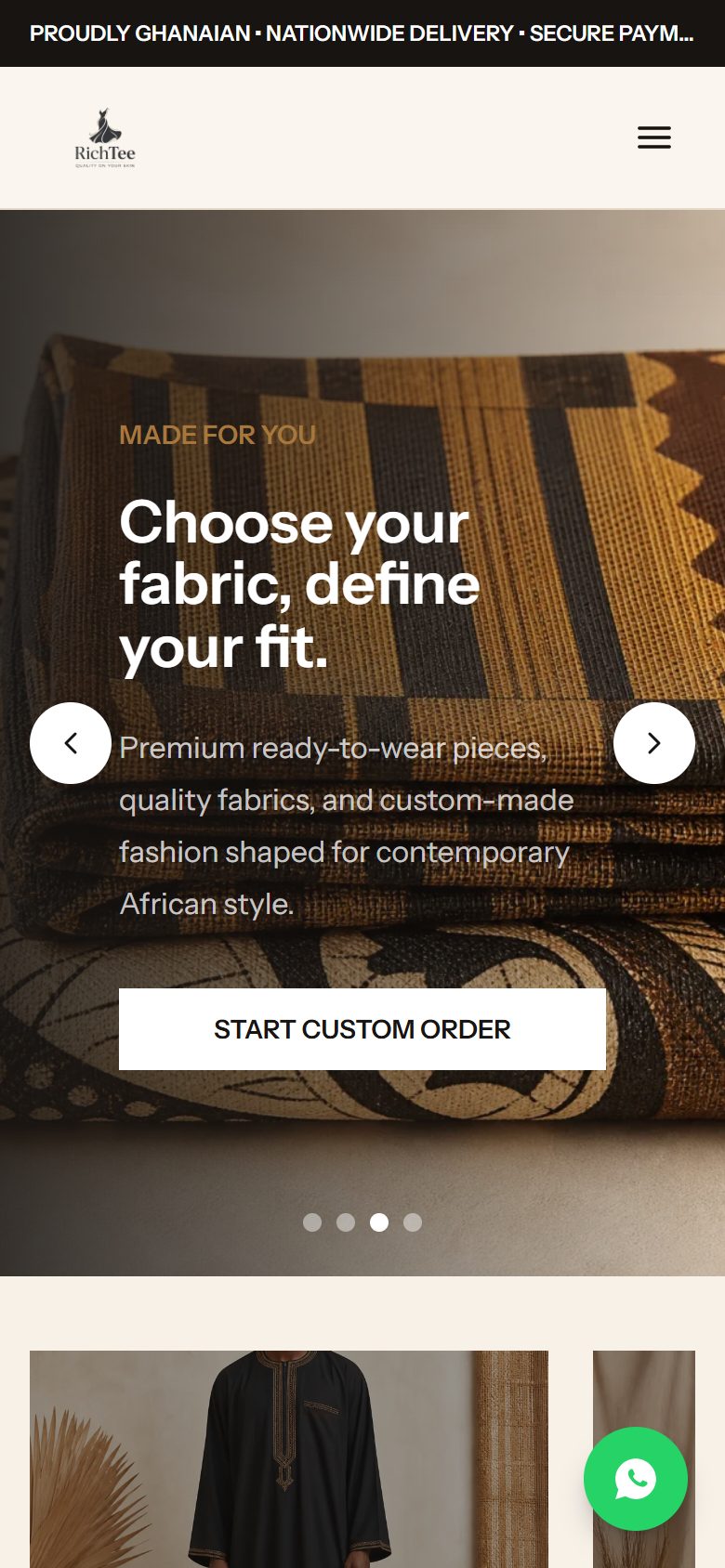
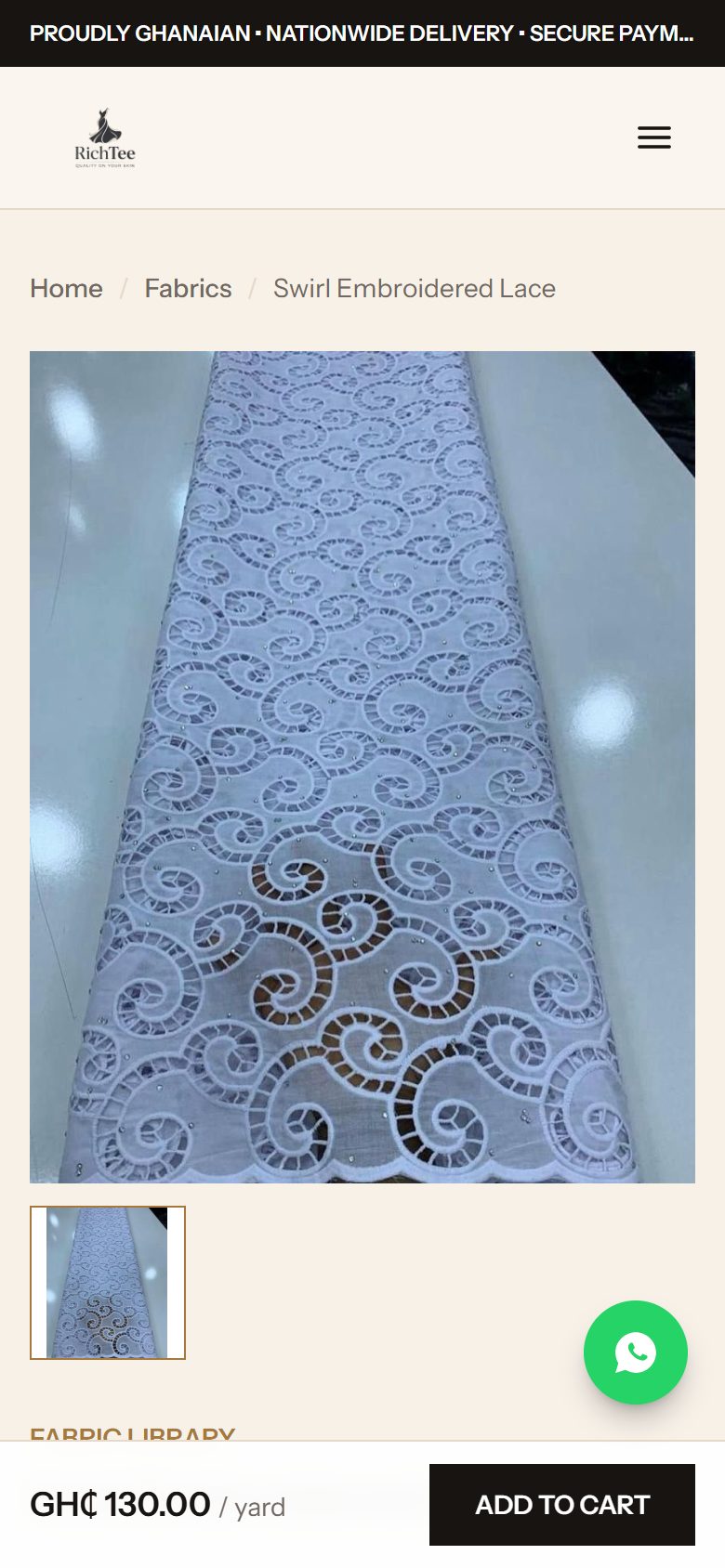
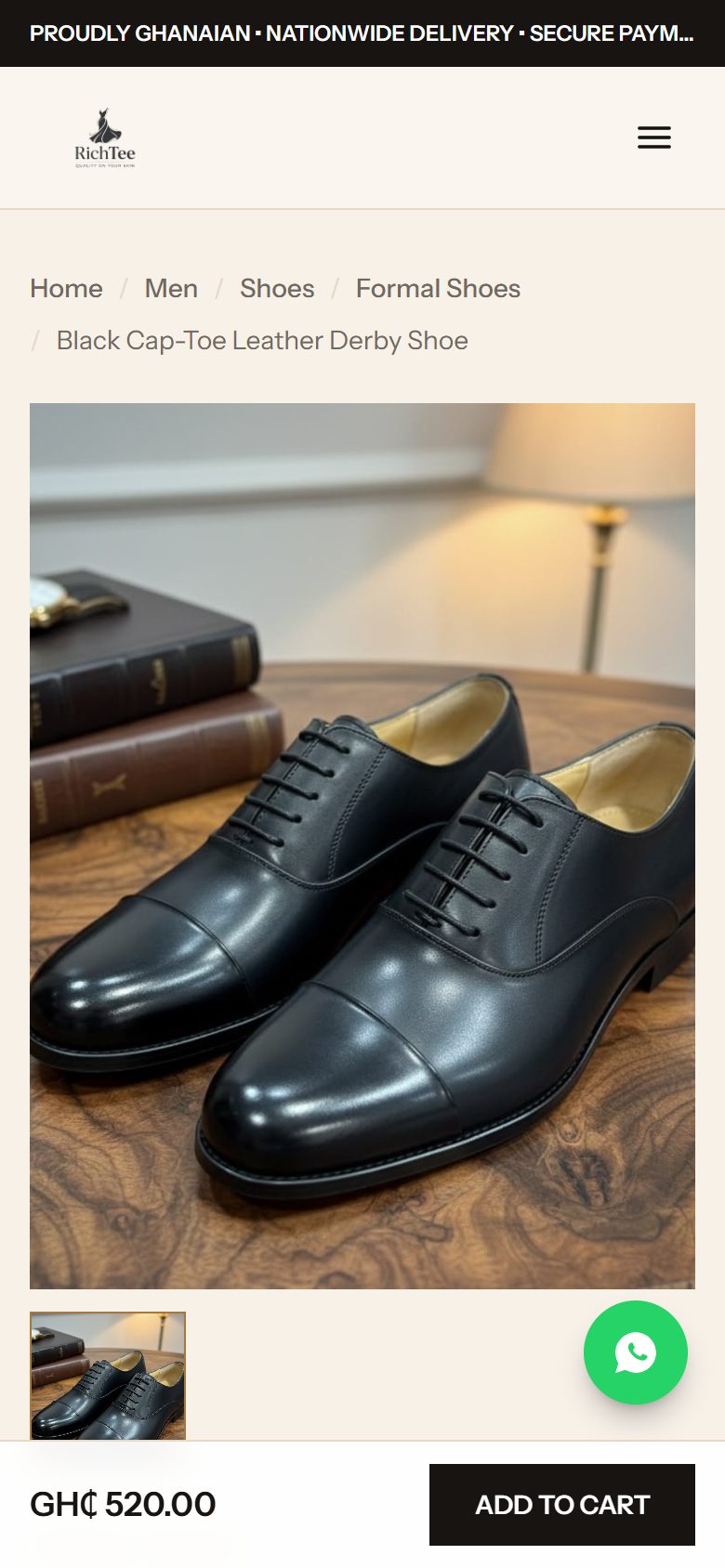
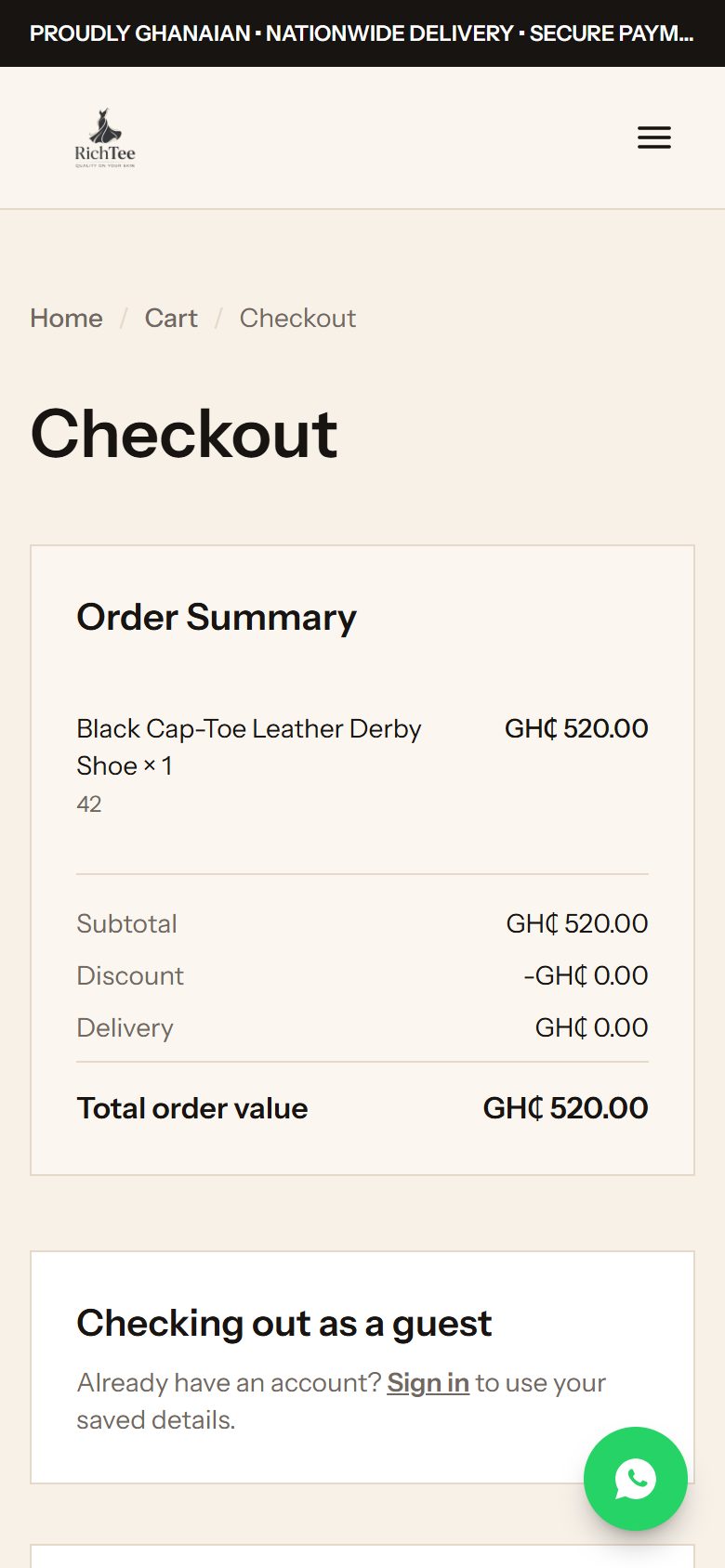
The storefront is designed phone-first as well as for the desktop. Product pages keep the price and Add to Cart in a bar within thumb reach. Checkout opens with the order summary, so the total is in view before any payment step. The WhatsApp button lifts clear of that bar and of the device’s safe area.
Payments and ordering
From cart to confirmed order.
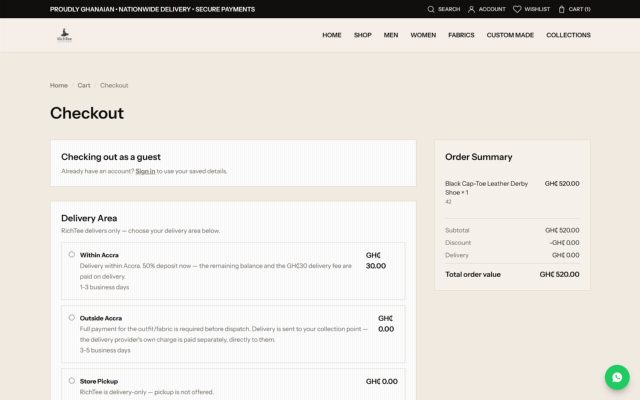
Checkout works for guests and for customers with an account. The customer chooses a delivery area, sees the amount due now, and pays online through Paystack. Payment terms follow the delivery area: within Accra, a deposit is paid at checkout with the balance and delivery fee due on delivery; outside Accra, the order is paid in full before dispatch.
Totals are always calculated on the server, and an order is only marked as paid once the payment has been verified with Paystack. Customers receive a receipt, and guests can follow their order through a private tracking link.
- Choose items and a delivery area
- See the amount due now
- Pay online through Paystack
- Payment is verified before the order is confirmed
- Track the order and download the receipt
Operations
Run from one place.
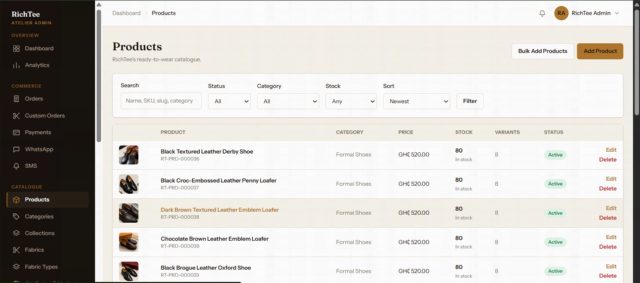
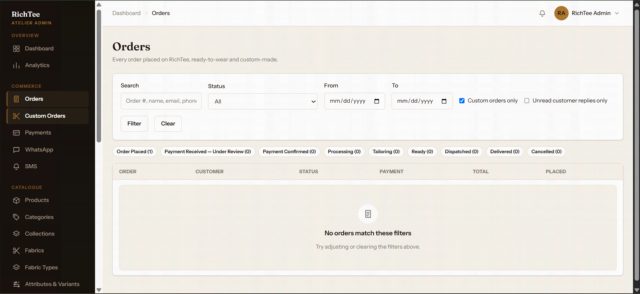
Behind the storefront is an administration area for the day-to-day running of the business.
- Catalogue
- Products, variants and fabrics, with bulk editing and per-item stock and fulfilment settings.
- Orders
- Order status and history, internal notes, refunds and customer messages — including made-to-order requests.
- Inventory
- Stock adjustments with an audit trail.
- Delivery and offers
- Delivery methods and couriers, delivery estimates and discount coupons.
- Content
- The store’s information and policy pages, editable without a code change.
- Insight
- Sales reports and visitor analytics.
Delivery and customer information
Clear before, during and after the order.
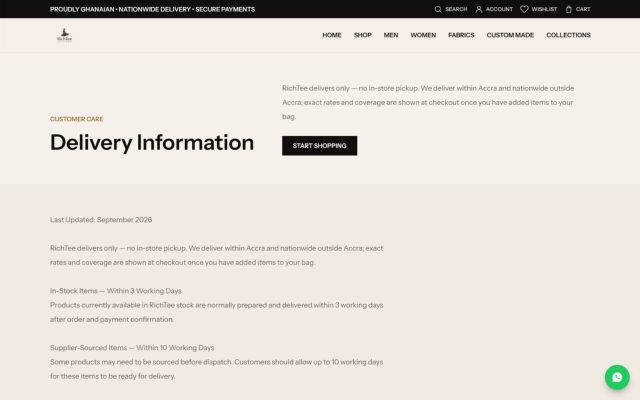
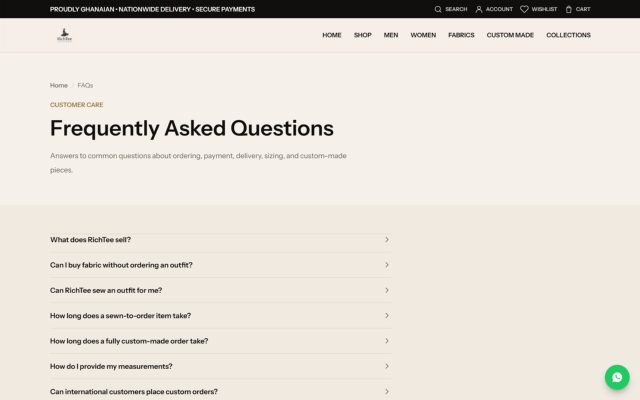
Delivery and policy information is published where customers need it: an estimated delivery time on every product and fabric page and in the cart, a delivery-area choice at checkout, and dedicated Delivery, Returns, Size Guide, FAQ, Terms and Privacy pages.
Order updates reach customers by email, SMS and WhatsApp where those channels are enabled in the store’s settings.
The result
A connected digital storefront that gives RichTee one place to present its fashion catalogue, support custom ordering and manage online commerce.
The platform is live at shoprichteegh.com.
AUREUS also took the platform into production: configuring hosting, connecting the domain and securing the storefront with HTTPS, and continues to provide RichTee with support since launch.
In their words
“Working with AUREUS MediaTech on the RichTee website has been a great experience. They took time to understand what I wanted for the business and worked with me throughout the process to bring the idea to life. I’m happy with how the website turned out and the support I’ve received even after the website went live.”